
benyclaudiu
Ist gelegentlich hier
- Registriert
- 12. März 2016
- Beiträge
- 37
- Reaktionspunkte
- 130
- Punkte
- 270
Link for Opel SD content navi 600/900 2016 - 2017
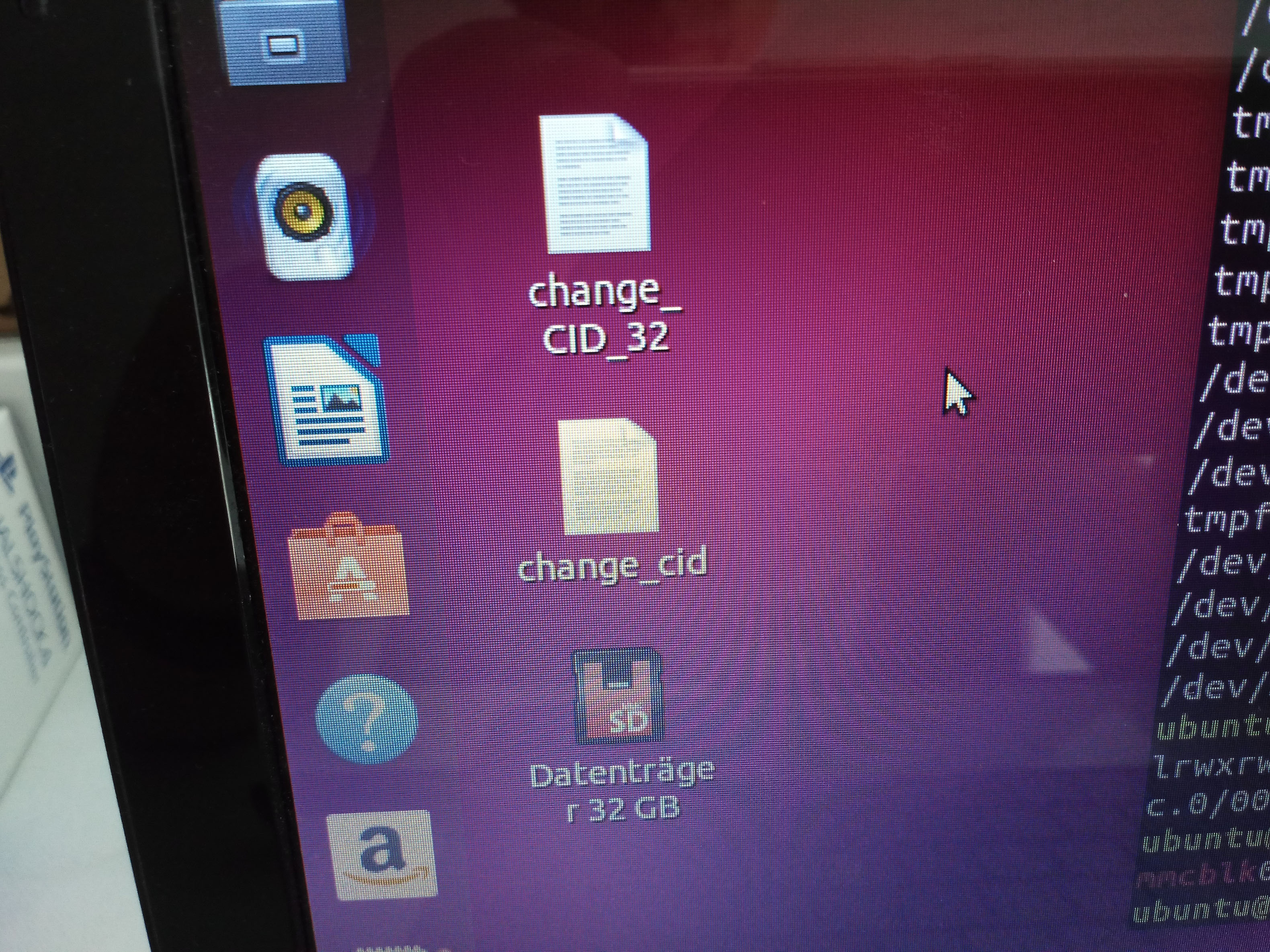
Besides the content is a text file with CID and an application for linux, compiled for x86 (Intel CPU)
Contents unlocked: Always a THANK makes us work more enjoyable!
You will need a Samsung EVO+ SD card and a Linux(Ubuntu) PC with integrated SD card reader, the ones on USB don't work.
1.Copy the map content on the SD.
2.Use the tool change_cid to change the CID of the SD
CID 5d53424c32424d31013917ca53010400
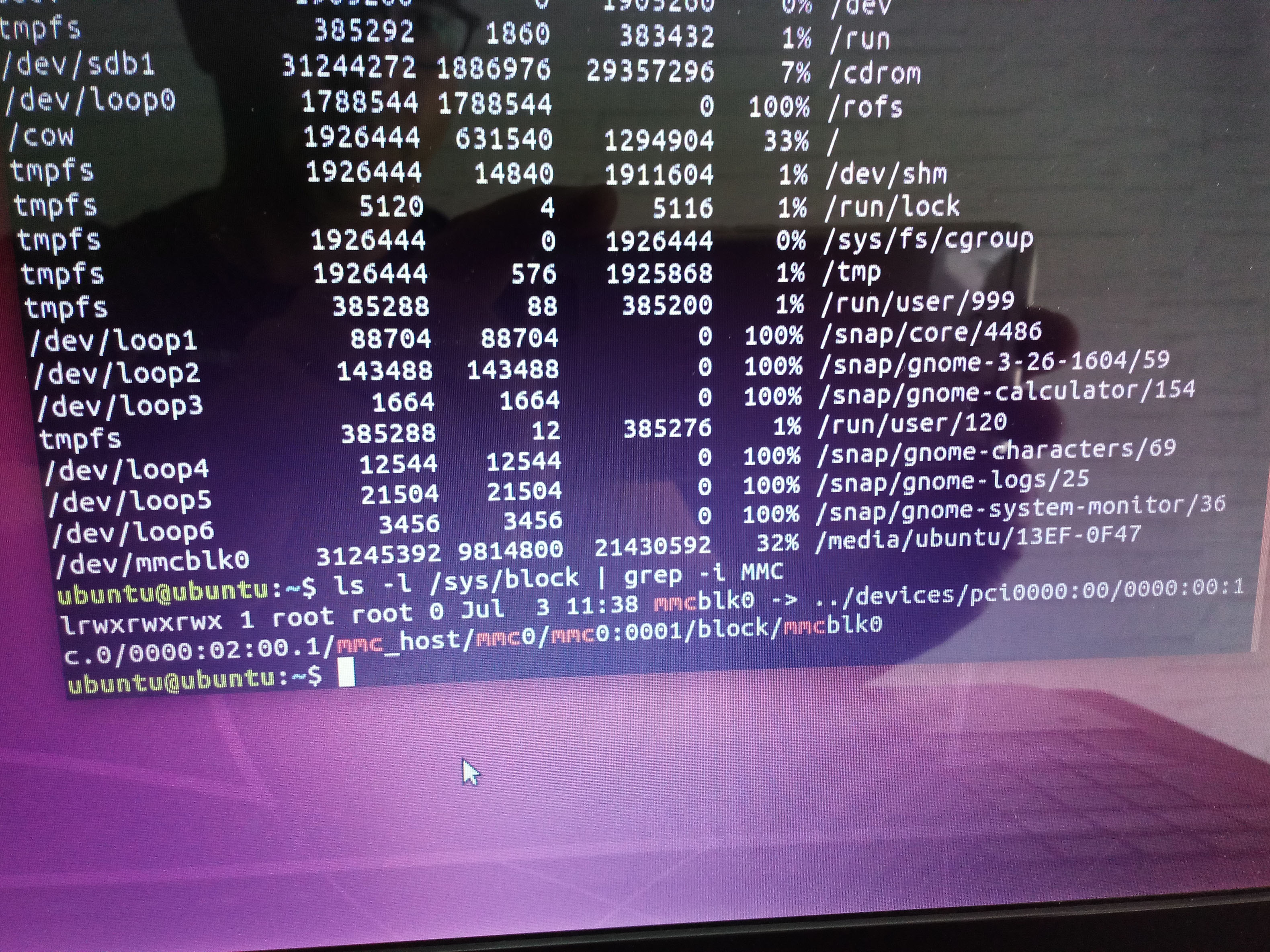
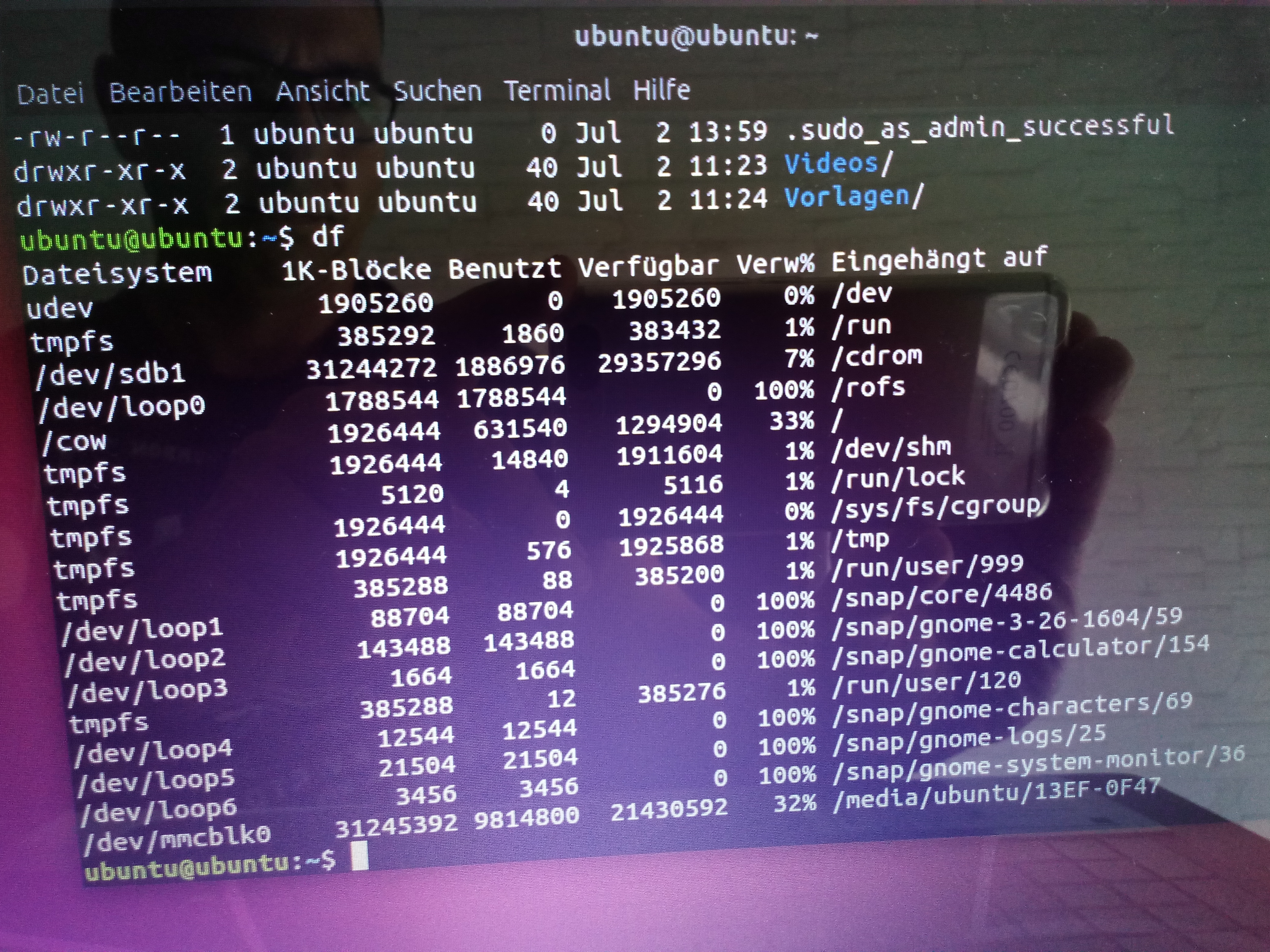
After you insert the SD check under /dev and look for mmcblkx (can be 0,1,2 etc)
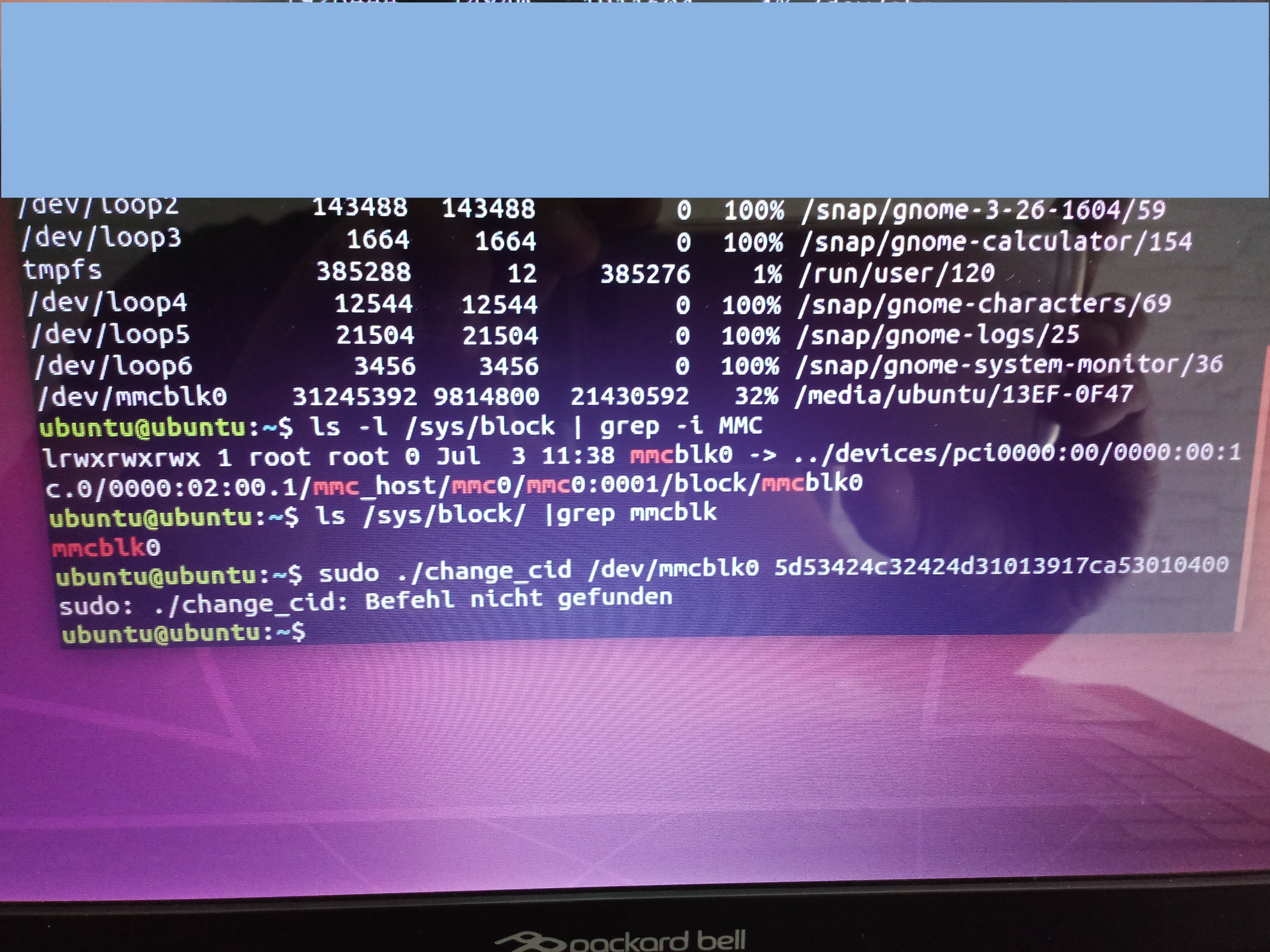
In my case is mmcblk0, run the application from the current folder
for 32bit version use the command like this: sudo ./change_CID_32 /dev/mmcblk0 5d53424c32424d31013917ca53010400
for 64but version use the command like this: sudo ./change_cid /dev/mmcblk0 5d53424c32424d31013917ca53010400
"thanks" or "Add a reputation"
Besides the content is a text file with CID and an application for linux, compiled for x86 (Intel CPU)
Contents unlocked: Always a THANK makes us work more enjoyable!
Sie müssen registriert sein, um Links zu sehen
Sie müssen registriert sein, um angehängte Bilder zu sehen
Sie müssen registriert sein, um angehängte Bilder zu sehen
Sie müssen registriert sein, um angehängte Bilder zu sehen
Sie müssen registriert sein, um angehängte Bilder zu sehen
Sie müssen registriert sein, um angehängte Bilder zu sehen
Sie müssen registriert sein, um angehängte Bilder zu sehen
Sie müssen registriert sein, um angehängte Bilder zu sehen
You will need a Samsung EVO+ SD card and a Linux(Ubuntu) PC with integrated SD card reader, the ones on USB don't work.
1.Copy the map content on the SD.
2.Use the tool change_cid to change the CID of the SD
CID 5d53424c32424d31013917ca53010400
After you insert the SD check under /dev and look for mmcblkx (can be 0,1,2 etc)
In my case is mmcblk0, run the application from the current folder
for 32bit version use the command like this: sudo ./change_CID_32 /dev/mmcblk0 5d53424c32424d31013917ca53010400
for 64but version use the command like this: sudo ./change_cid /dev/mmcblk0 5d53424c32424d31013917ca53010400
"thanks" or "Add a reputation"
Anhänge
Sie müssen registriert sein, um die Liste der Anhänge zu sehen
Zuletzt bearbeitet von einem Moderator: